
Where can I find my product’s serial number?Updated 2 hours ago
You can locate your Hypershell exoskeleton’s Serial Number (SN) in two main ways:
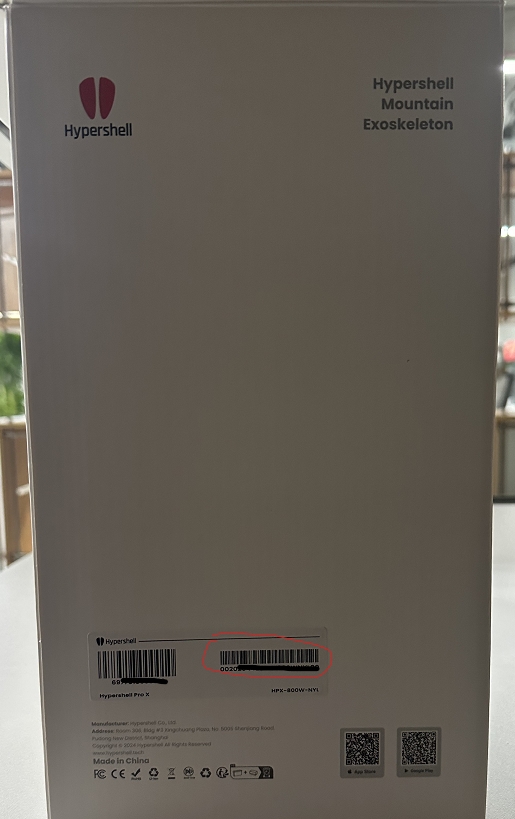
On the Product Box
- Look at the side of the box
- Find the sticker with a barcode
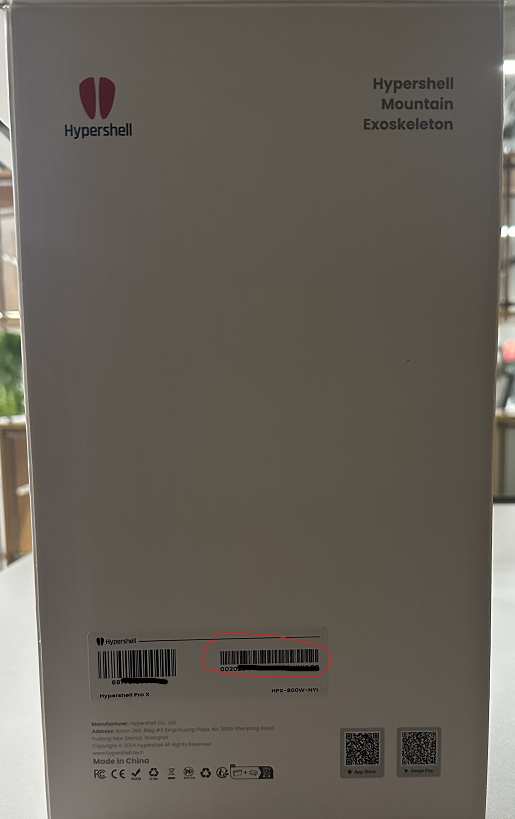
- The Serial Number is printed on the right side of the sticker
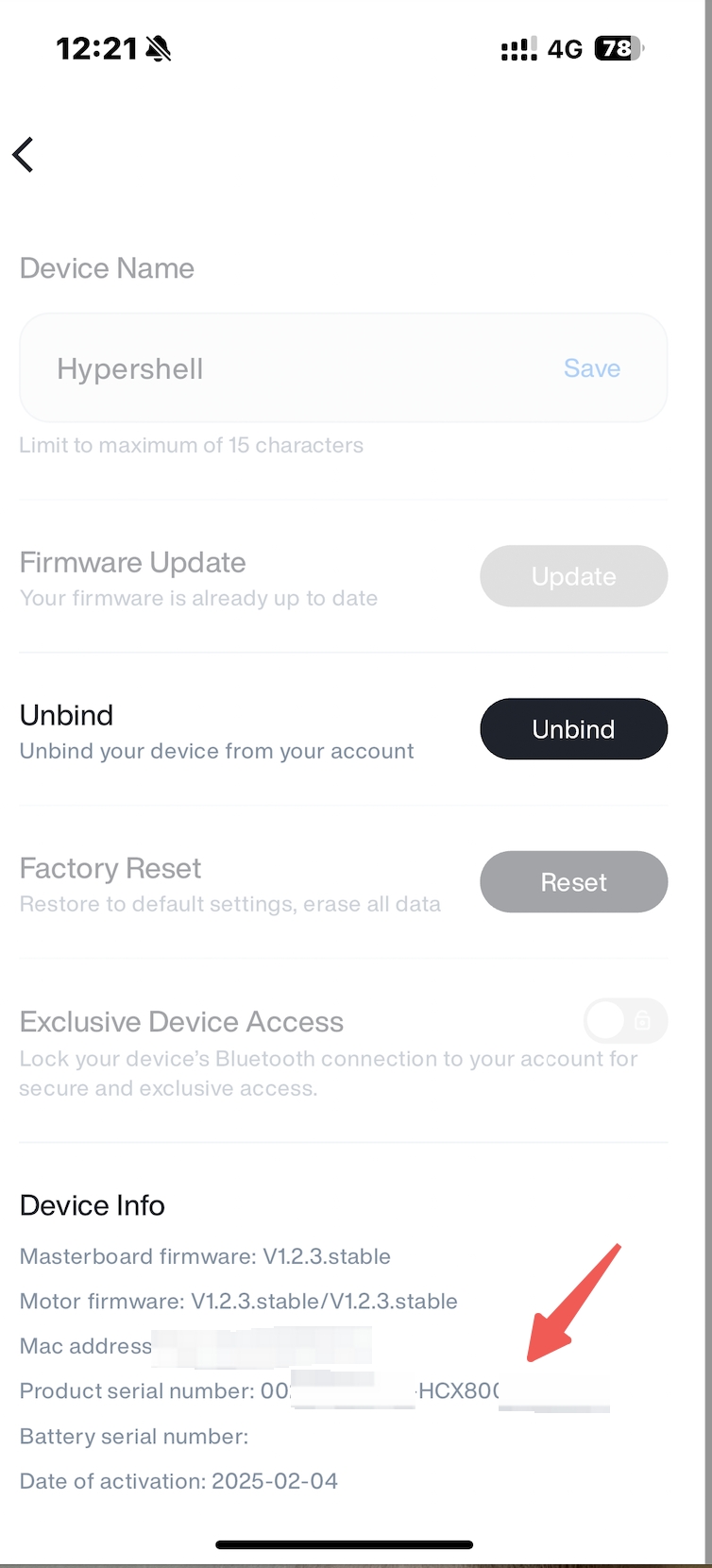
In the Hypershell+ app
- Connect your exoskeleton to the Hypershell+ app
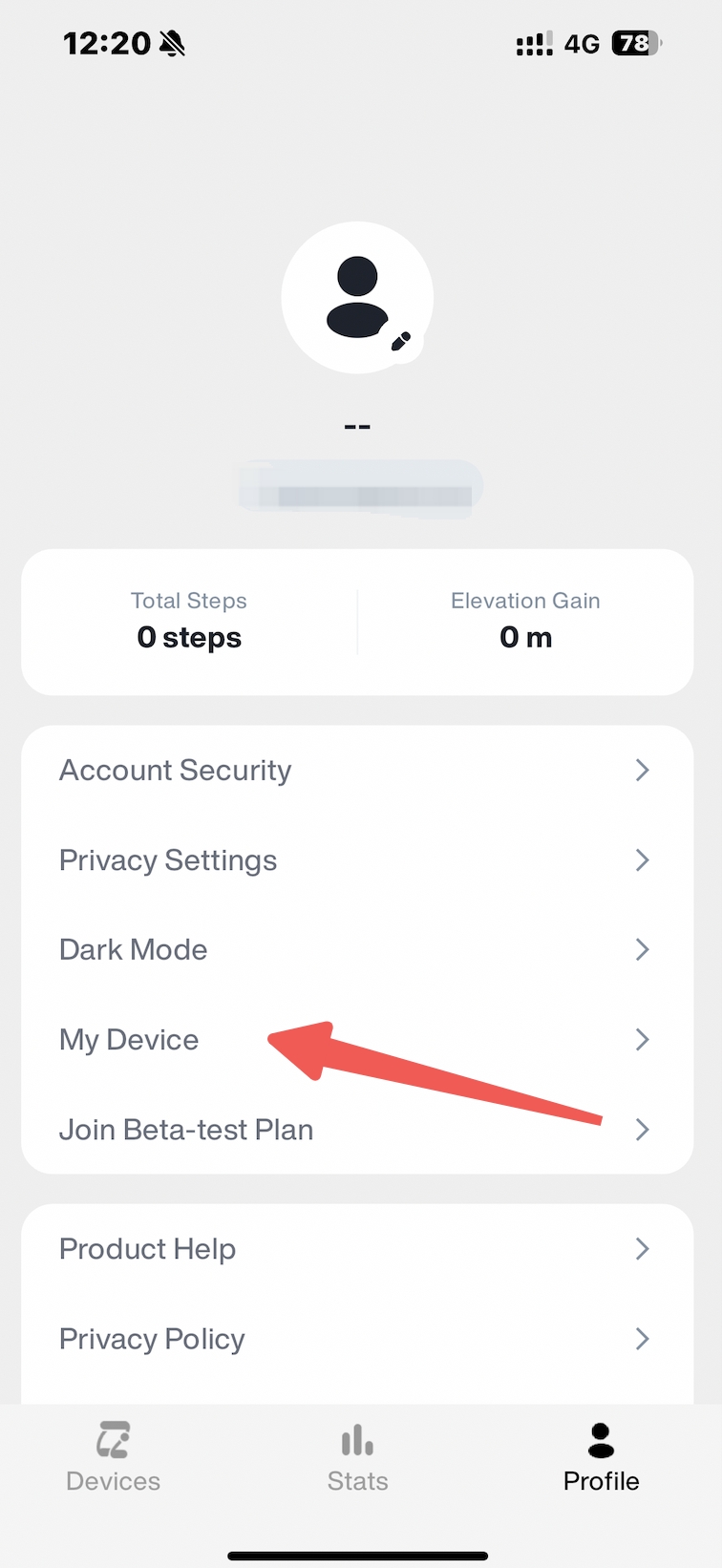
- Click the Profile, then access My Device
- Choose the Device
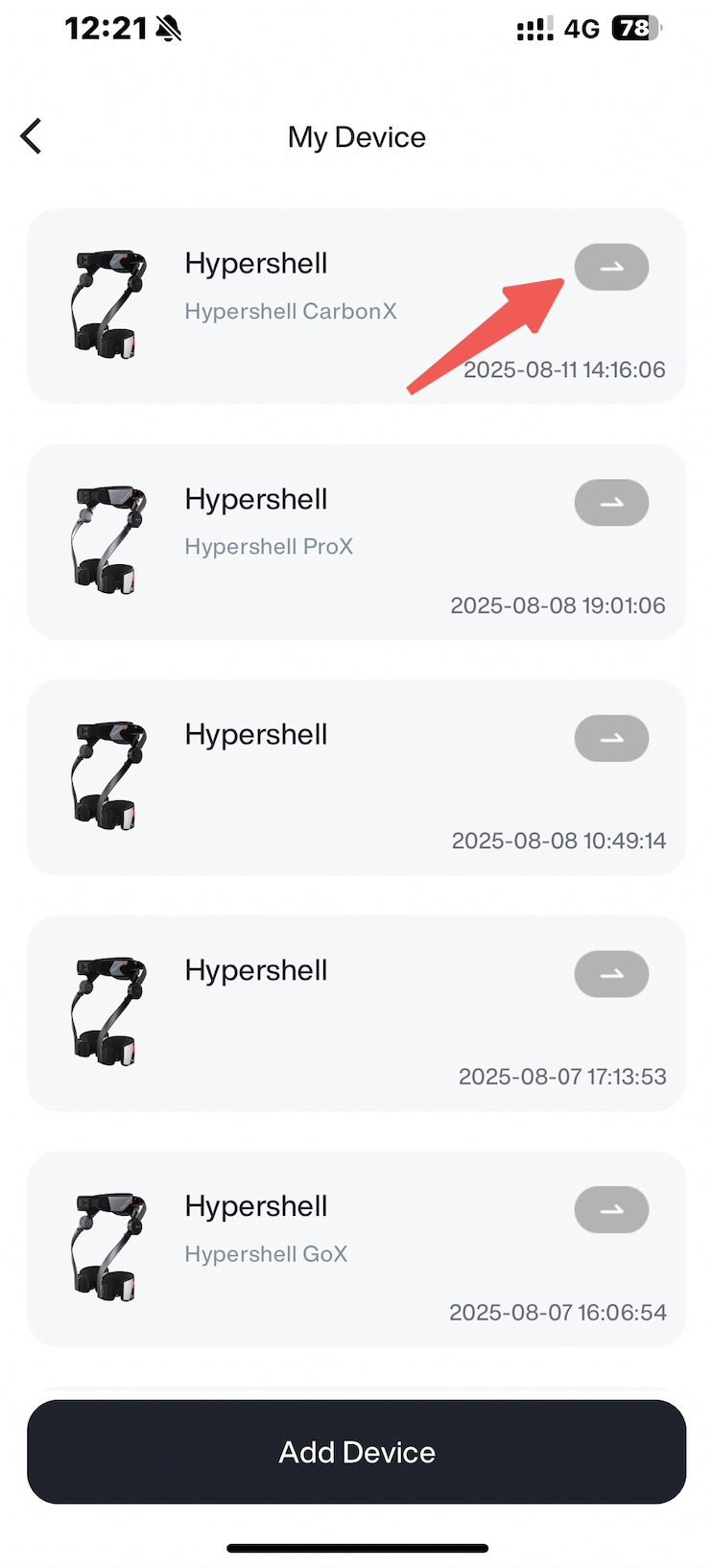
Then check the Serial number
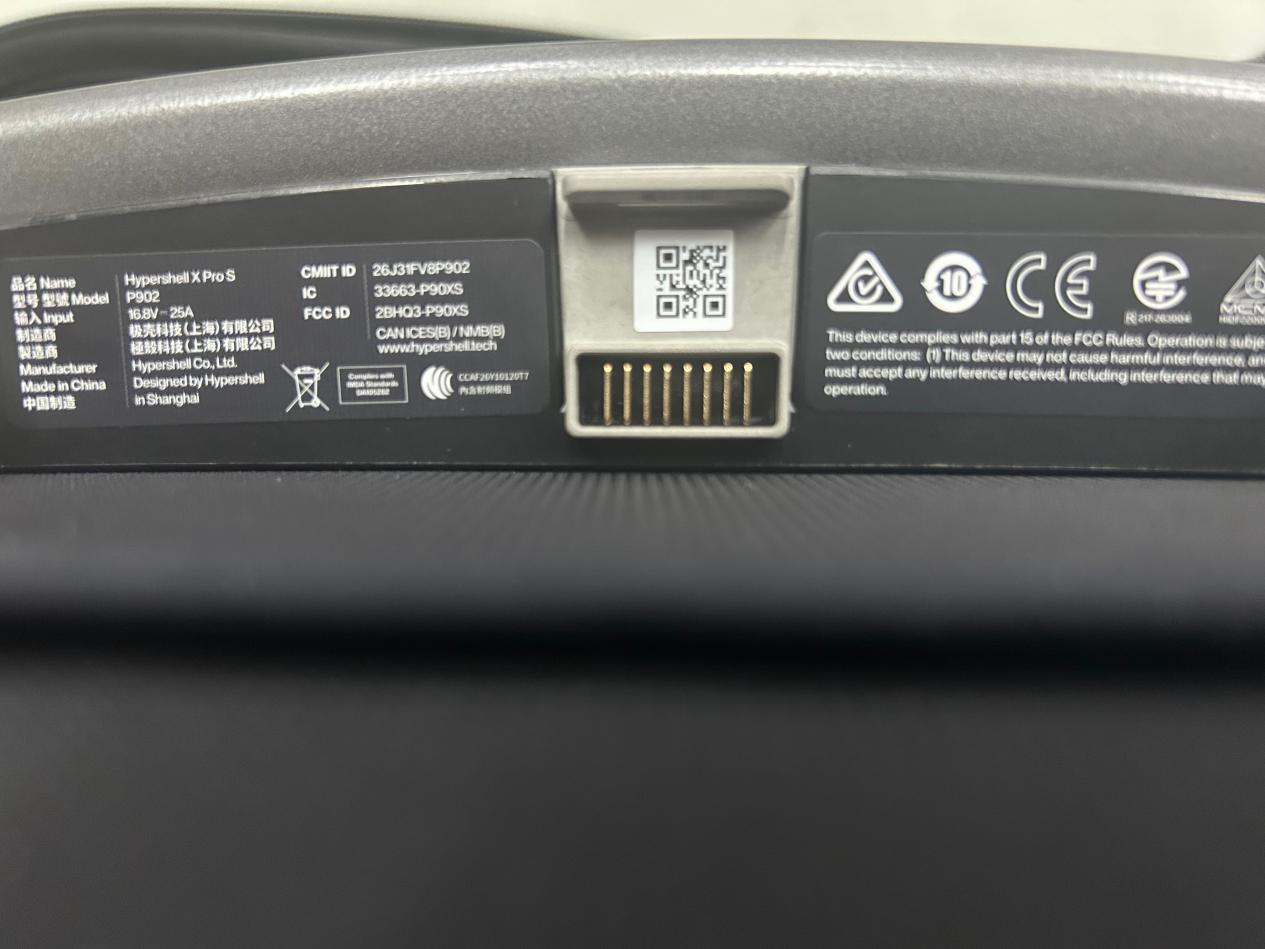
Under the main control panel assembly
- For devices manufactured in 2026 and later, especially for the new series Hypershell devices, the serial number can be obtained by scanning a QR code below the maincontrol panel assembly.
If you have trouble locating it or need help verifying the SN, feel free to contact our customer support team for assistance.