
Understanding and Managing Your Hypershell App AccountUpdated 3 hours ago
When using your Hypershell Exoskeleton for the first time, you'll need to create a Hypershell App account to connect and manage your device. Below is a complete guide to help you understand how the account works and how to manage it.
1. Creating Your Hypershell App Account
Before using your exoskeleton, you must create a Hypershell App account within the Hypershell+ App.
You can register using:
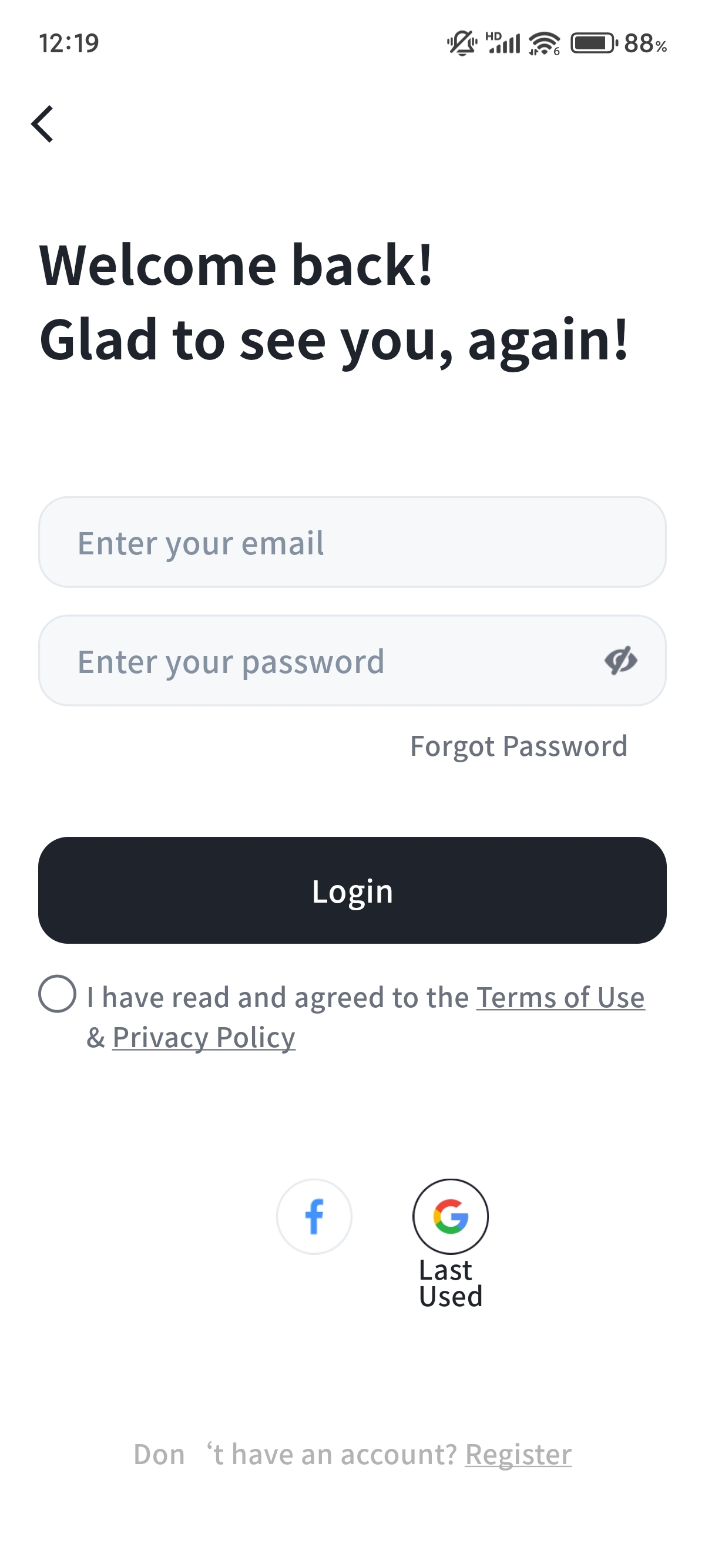
- Your Facebook account
- Your Gmail account
- A personal email address

2. App Account vs. Online Store Account
Please note that your Hypershell App account and your official online store account are separate. Their data is not synced.
- The Hypershell Online Store Account is used to:
- View your purchase history
- Track order status
- The Hypershell App Account is used to:
- Control and manage your exoskeleton device
- Access device settings, firmware updates, and performance data
3. How to Reset Your Hypershell App Password
If you forgot your password for the Hypershell App, follow these steps:
- Open the Hypershell+ App
- Tap “Log in”
- Click “Forgot Password”
- Enter the email address you registered with
- Check your email inbox and retrieve the verification code
- Enter the code in the app
- Set a new password
4. Still Having Trouble?
If you're unable to reset your password or are facing other account-related issues, please contact our Customer Service Team and provide your registered account information. We'll be happy to assist you.