How do I check the current firmware version on my Hypershell product?Updated 2 hours ago
Currently, the Hypershell+ app does not support automatic firmware updates. All updates must be manually initiated by the user.
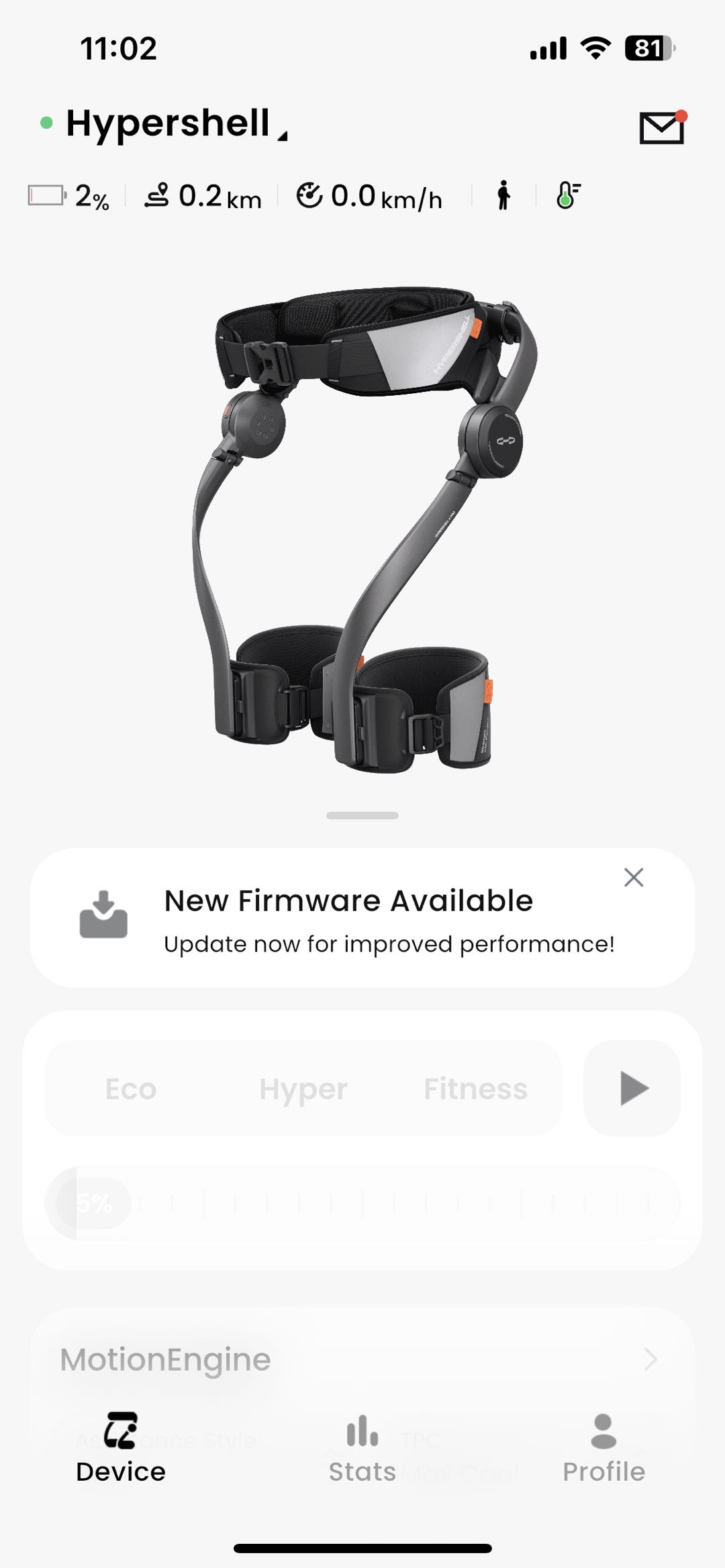
When a new firmware version is available, the app will notify you with an update prompt. You can then follow the on-screen instructions to install the update.
How to Manually Update Firmware:
- Open the Hypershell+ app
- Connect your device via Bluetooth
- If an update is available, follow the instructions to begin the installation
We recommend checking the app periodically to ensure your device is running the latest firmware version for optimal performance and access to the newest features.